• Skip to main content
Mary Wiseman
  • START HERE
  • BLOG
  • SPEAKER
  • VIDEOS
  • ABOUT

izzy

Pilates How-To Video Shoot

January 5, 2012 by izzy

Yes, I worked on New Years Day art directing a video shoot for a Pilates instructor. After 4 hours of shooting, we got the video we need to create How-to videos for a series of eCourses Bob [the instructor] will be emailing out to clients on his mailing list.
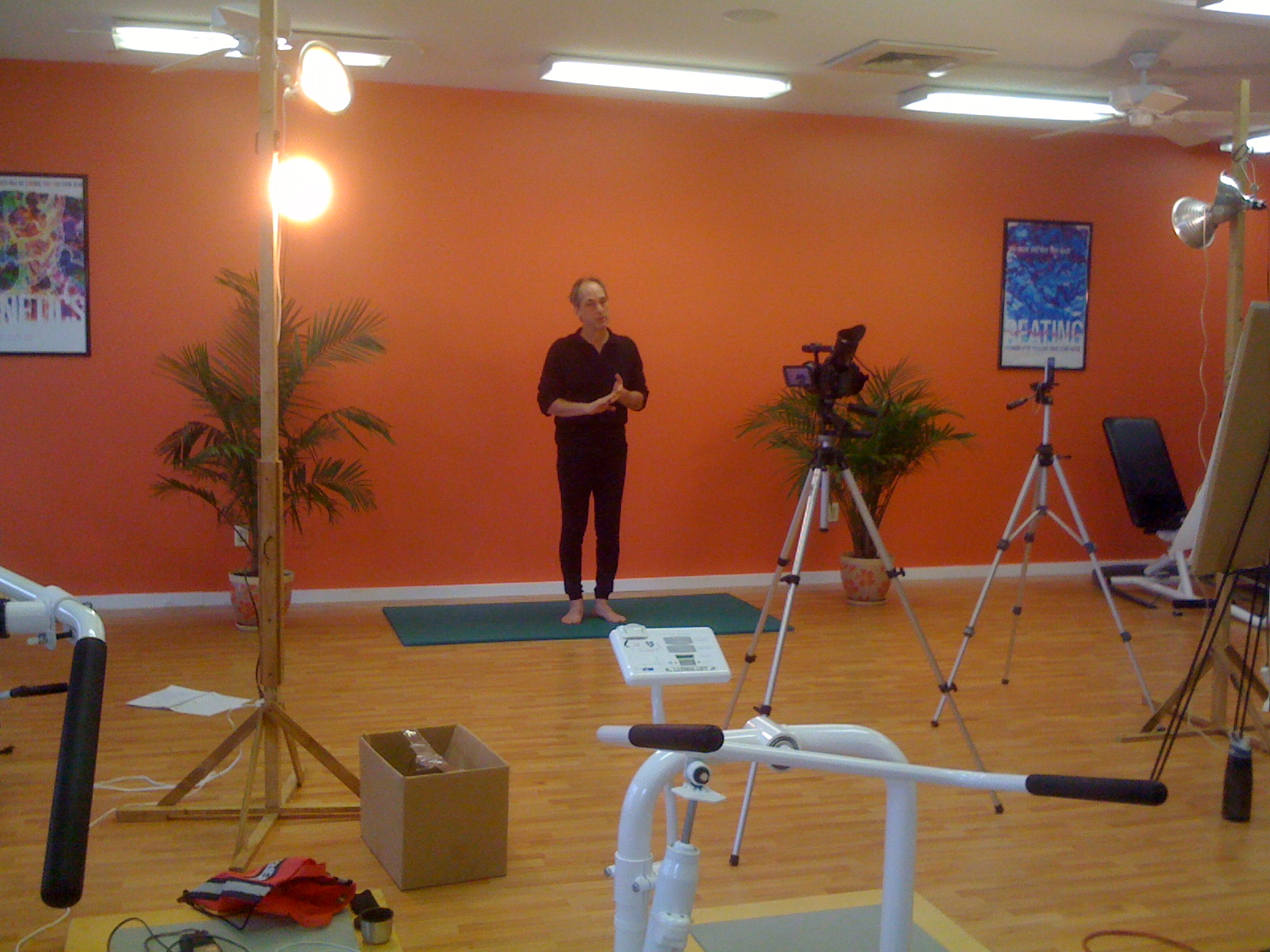
One never knows what an instructional designer will do when working with subject matter experts. In order to fully understand the Pilates movements, I had a yoga mat on the side and did the poses as Bob was describing them.  This way I could be sure he was including all the information necessary to be used in the videos.   Being ready to emulate a situation, ask the right questions and give feedback to the expert are a few of the techniques I use when creating instructional design materials.
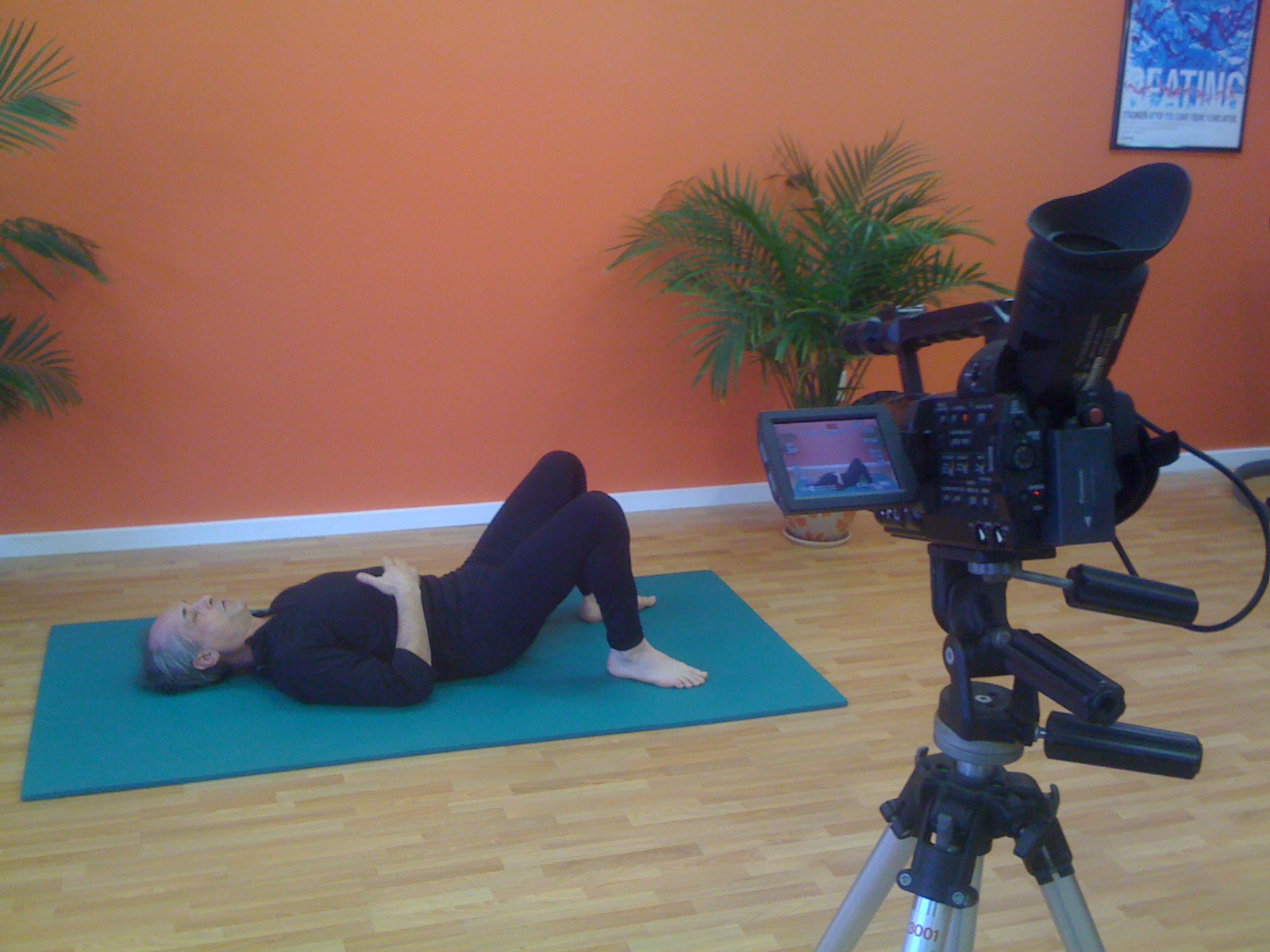
There are so many moving parts when shooting a How-to video.  Besides the basics of getting the material communicated correctly, there is; the set, mics, lighting, backgrounds, wardrobe, and direction.

It was a fun way to ring in the new year.
Filed Under: How-to, instructional design, Video Tagged With: How-to, instructional design, Video

DIY: Painting Chevron Stripes on My Kitchen Rug

January 5, 2012 by izzy

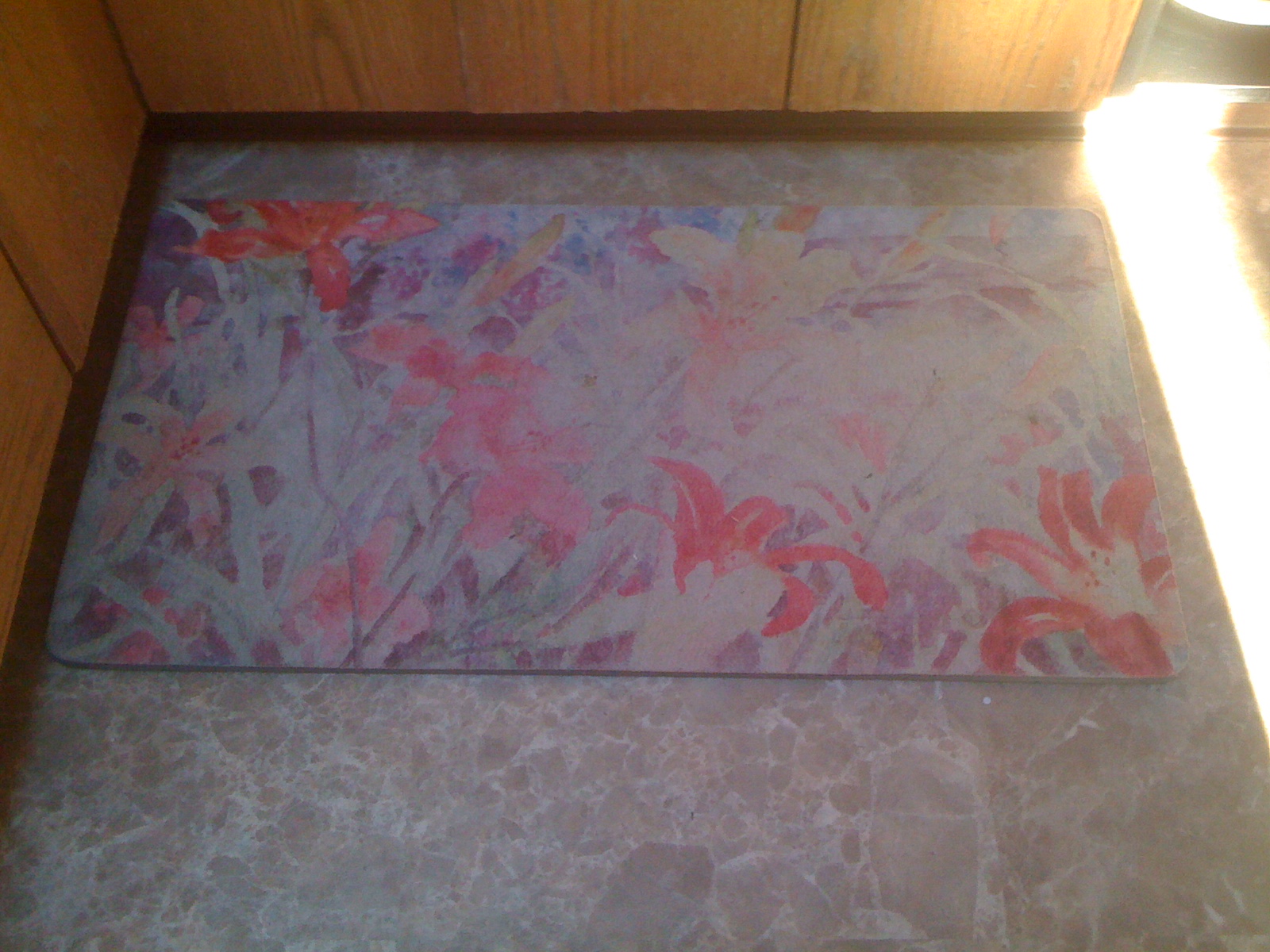
We’ve had this old rug, near the kitchen sink that while comfy on the toes is pretty hideous. Over New Year’s while cruising some interior design blogs, I thought of painting this rug with some chevron stripes.

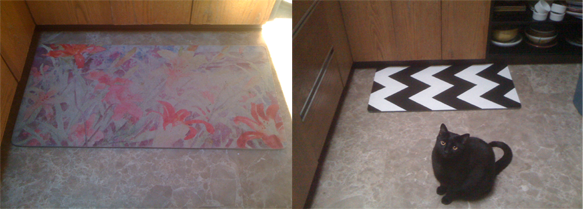
Before and After

Here are the steps I took to get the Chevron look. The rug is a foam pad, nice on the feet, horrible on the eyes.

Rug Before

Step 1

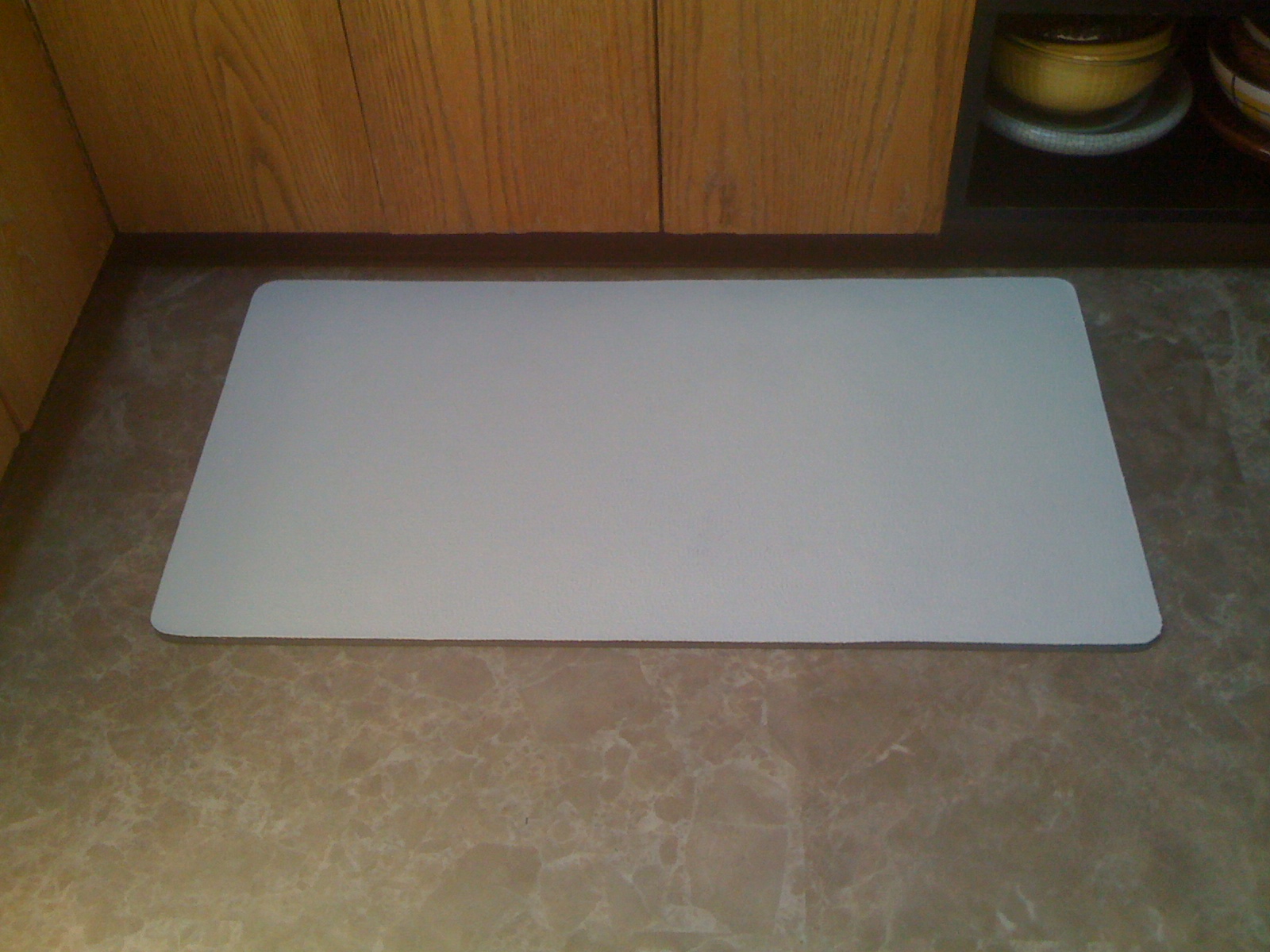
  • Two coats of primer. I had some latex acrylic left over from another project

Primer

Step 2

  • Two coats of white latex acrylic base paint
  • I chose an off-white-ivory color thinking bright white might show too much dirt

White Background Color

Step 3

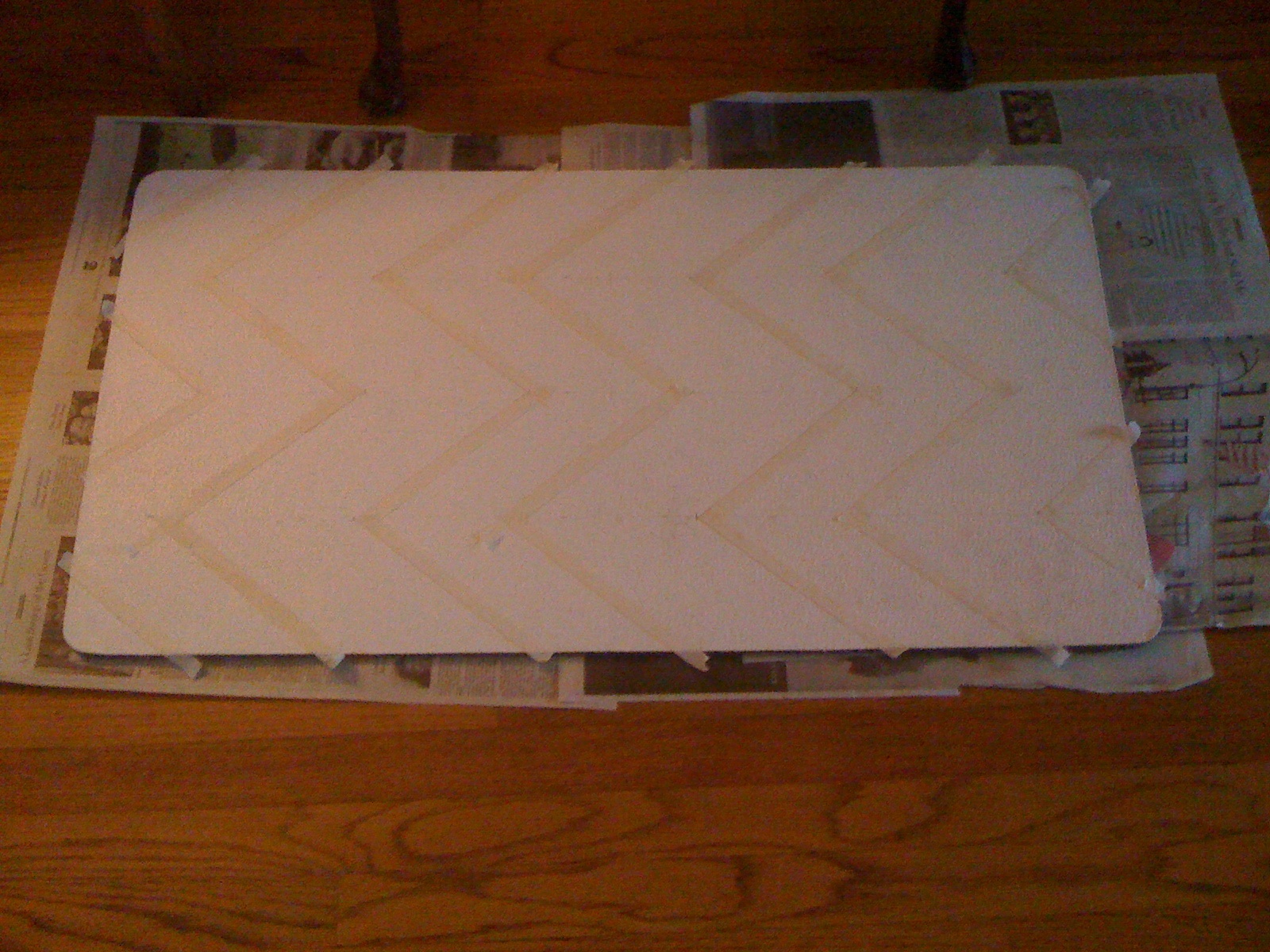
  • Chevron stripes look a little bit like Charlie Brown stripes and achieve the effect, I measured down the center width of the rug, then divided those spaces in half.
  • I wanted the stripes to be fairly thick, you could make ’em wider.  So, I worked from the center outwards measuring 6 inches from the center point.
  • Using a light pencil mark, I ticked the 6 inch measurements and drew the diagonal stripes to form the Chevron effect
  • Finally, I masking taped off the stripes I was going to paint black

Measure twice before masking. This can also be done with a stencil

Step 4

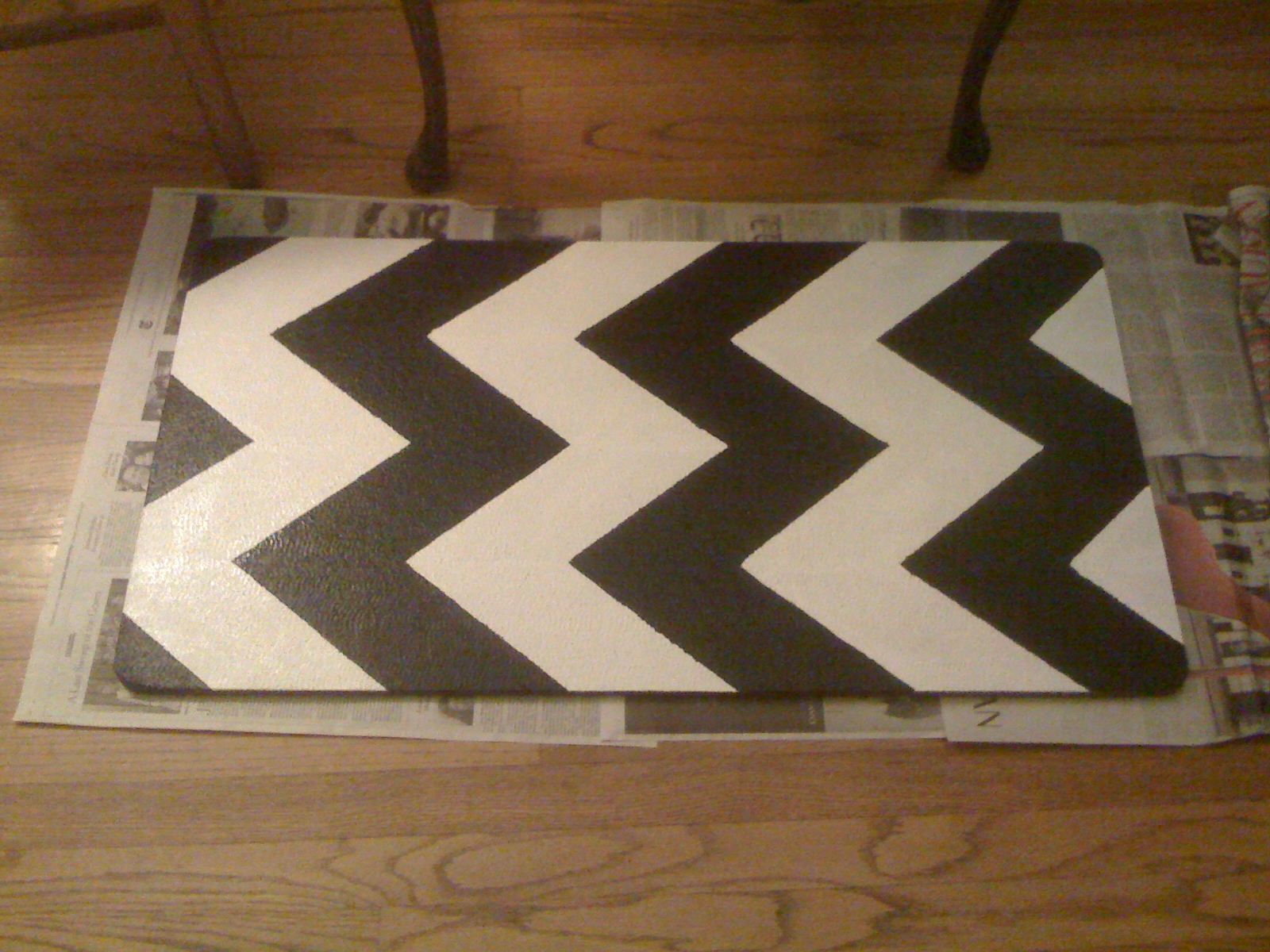
  • I painted in the black stripes
  • Be sure to allow full drying time, then pull the masking tape off
  • I touched up edges with the white paint as well
  • I coated the entire rug with a polyethylene sealer

I wanted to see how it was going to look, so I put it by the sink

Finally

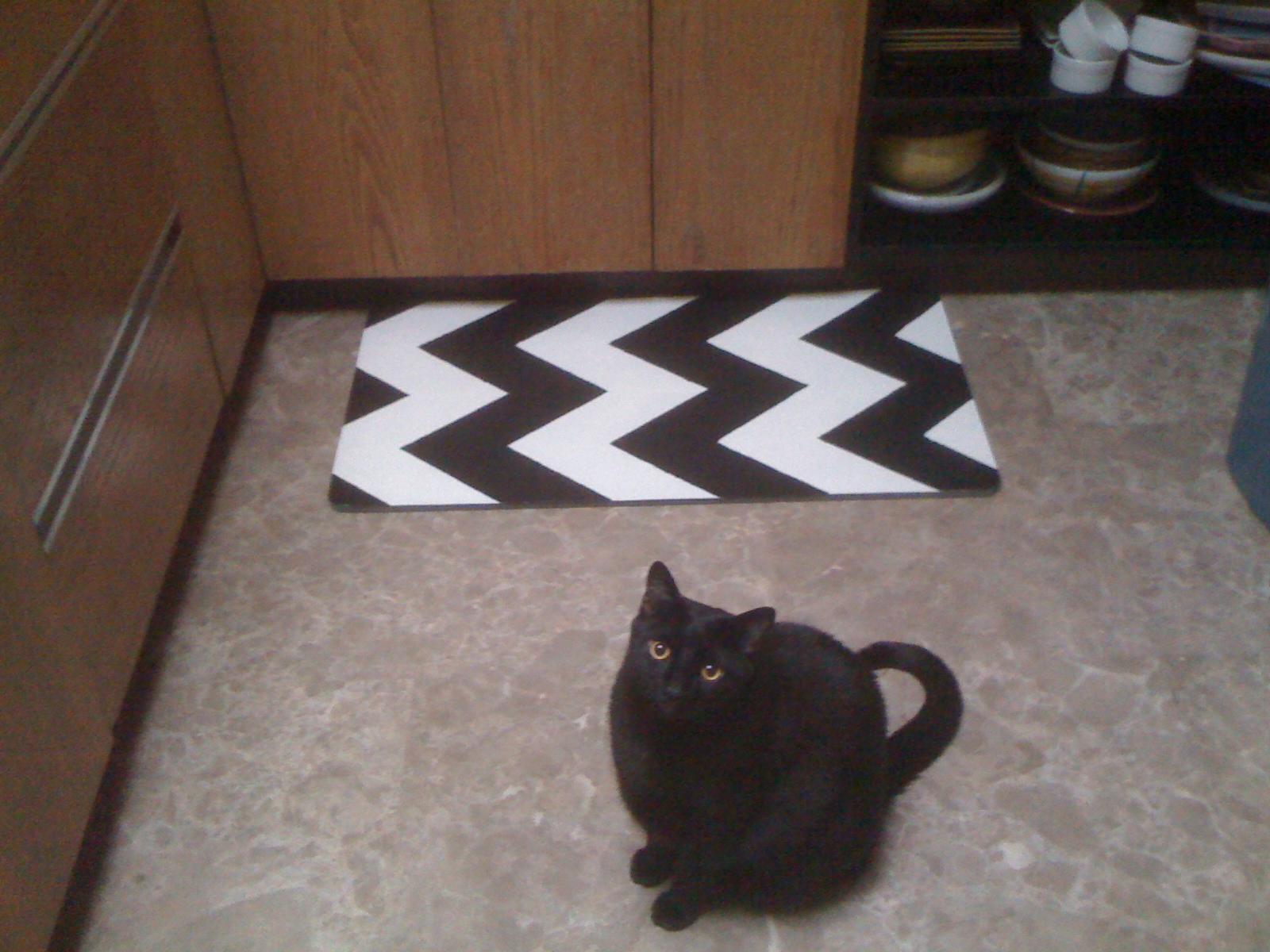
The finished rug with Izze posing. He is such a ham!

Filed Under: DIY Tagged With: DIY

The Empathic Civilisation

December 30, 2011 by izzy

This investigation of the evolution of empathy and the ways it has shaped our development and our society is well worth the 10 minutes it takes to watch.  If you have any students, I suggest you share this with them.  Empathy is something we as teachers need and need to teach to all our students.


Filed Under: 21st Century Learning Skills, Empathy, RSA Animate Tagged With: 21st Century Learning Skills, Empathy, RSA Animate

Unstuck

December 24, 2011 by izzy

Unstuck from Unstuck on Vimeo.

Here’s a fun little app called Unstuck that was built to help you get ‘unstuck’ when you are working on a project or idea. After logging into the app, you are asked some questions concerning where and what you are stuck in. Just as one would do creating an online course this tool is broken down into objectives and steps. Unstuck is helping you get your game on and map out possibilities.

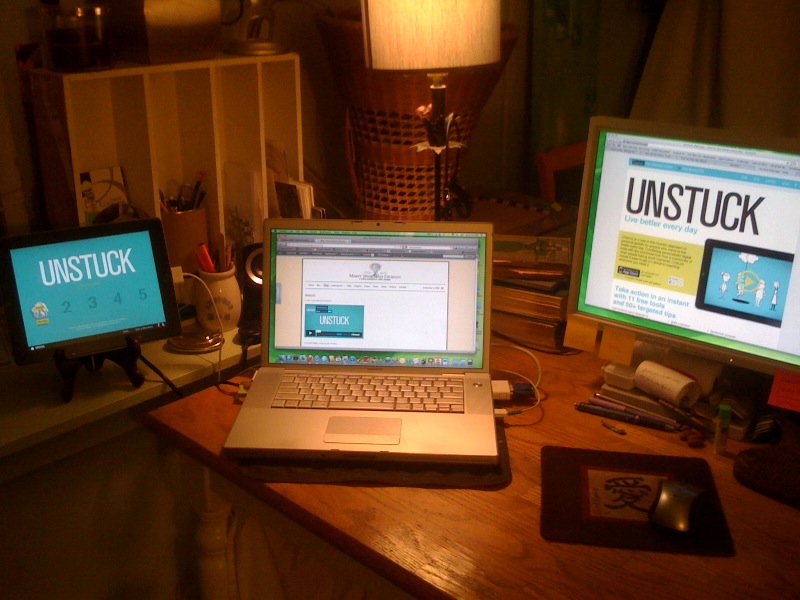
This is me looking into Unstuck

By determining how you are feeling in this stuck moment, this little app discovers the type of stuck moment you are in.  In my test I was a ‘Deflated Doer’ another time I might be a ‘Perplexed Planner’ or a ‘Fuzzy Forecaster’.  Once you’ve gotten this step complete, the app asks what type of stuck you are in and who it involves. You are then asked to type in an answer to the cause of your being stuck. [The app even gives you some prompts to help you.]

Then there is a fun little step where you sort through a deck of cards to figure out what you are thinking about with this issue and you are also asked about what 3 things you are doing-in this stuck moment. The final step is to answer a list of questions pertaining to the things you are doing because you are  stuck.

The app then analyzes your issue and offers advice. Read through what Unstuck offers, this is the fun of the app. I liked reading my ‘Stuck Report’ which helped me understand why I’m acting the way I am in this moment.  It evens compares you to the Unstuck community.

I think this app is probably as helpful-maybe more so- than randomly browsing websites or other procrastination tactics I might indulge in.   Try it for yourself. It’s nicely put together, fun to work with and might just help you.

Filed Under: Fun, Productivity Tagged With: Fun, Productivity

Inkling

December 22, 2011 by izzy

Now here’s another twist on the textbook Inkling. It appears they are incorporating the Adobe Digital Publishing functionality with a few of their own details.

One thing I really like is the Social Learning feature which allows users to interact with classmates.  So, you could ask each other questions and discuss ideas and questions.

You can download the Inkling app, for your iPad, then buy chapters or full books.  There are a few chapters, that are free, so I suggest you give them a try. Happy reading and learning.


Filed Under: Books, eBook, Front Page Slider, Publishing Tagged With: Books, ebooks, Inkling, instructional design, Publishing

Coursekit

December 22, 2011 by izzy

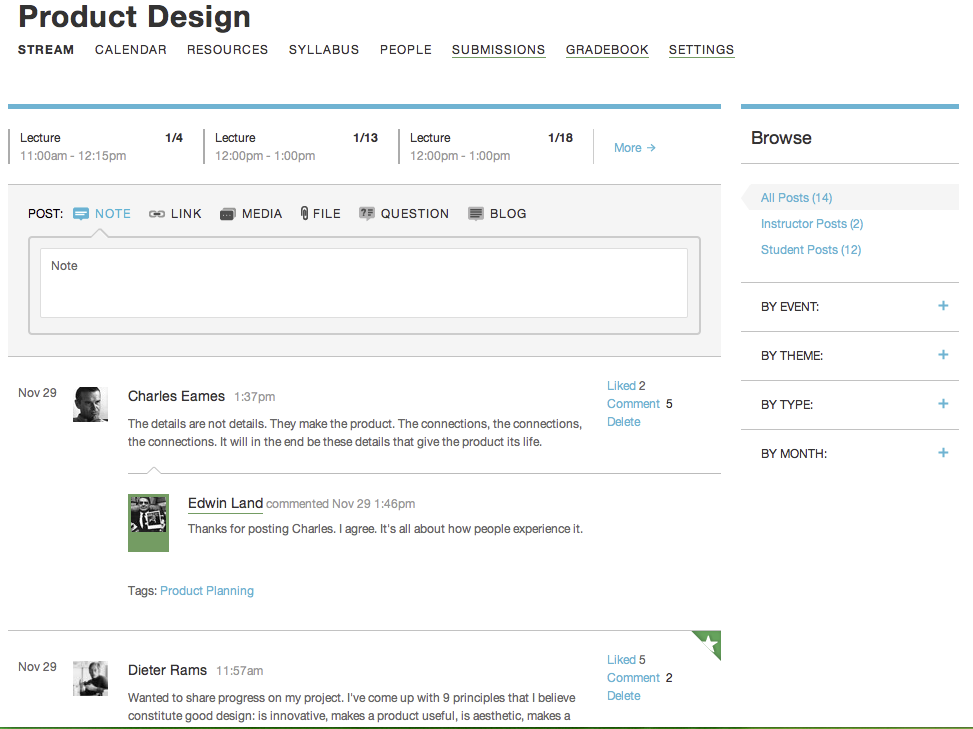
Here’s a way to streamline an online course. Coursekit brings the learning management system [LMS] directly to the instructor and student-i.e. The Users-all for free.  The experience is focused on simple and elegant and includes the basics: a calender, file sharing, submitting assignments, and grading work.  One noticeable difference, compared to other LMS interfaces, is how Coursekit brings the user directly into ‘the classroom’ and not to the typical dashboard…which makes it more like a real classroom experience.

Just as a student would walk into a physical classroom, online students first appear in The Stream of the your online classroom and it has the feel of Facebook.  Unlike Facebook, within The Stream, students can upload; text, images, video, and audio.  Each element in The Stream brings up a side panel when you click on it. As Coursekit’s creator Joseph Cohen explains, “The result is that it turns short stuff into long stuff.”  This allows the ability to have a space to discuss in length and works much like a Twitter feed.

As for textbooks, Coursekit is pursuing an online free system for textbooks as well. “The textbooks of the future will not be textbooks,” Cohen says. But there will be a need for educational content, and much of that will be bought (remember, direct-to-instructor is already at the heart of that businesses). If all goes well, Coursekit is the seed of the storefront of the future for educational products, with a ready-made group of customers who are already logging in. All this might look something like Inkling.

In my humble opinion, it is all driving towards a more personalized experience for learning and it’s all quite exciting.


Filed Under: Front Page Slider, instructional design, Online learning, Online Textbooks Tagged With: Coursekit, Front Page Slider, Inkling, instructional design, Online learning, Online Textbooks

  • « Go to Previous Page
  • Go to page 1
  • Interim pages omitted …
  • Go to page 14
  • Go to page 15
  • Go to page 16
  • Go to page 17
  • Go to page 18
  • Interim pages omitted …
  • Go to page 41
  • Go to Next Page »

© 2024 Mary Wiseman Designs. All Rights Reserved. Webspinner Msondevshop.graphics