• Skip to main content
Mary Wiseman
  • START HERE
  • BLOG
  • SPEAKER
  • VIDEOS
  • ABOUT

izzy

QR Codes for the Vision Impaired

October 1, 2012 by izzy


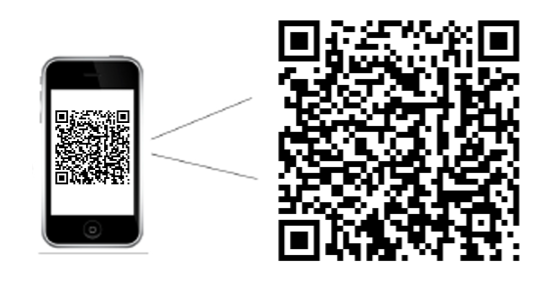
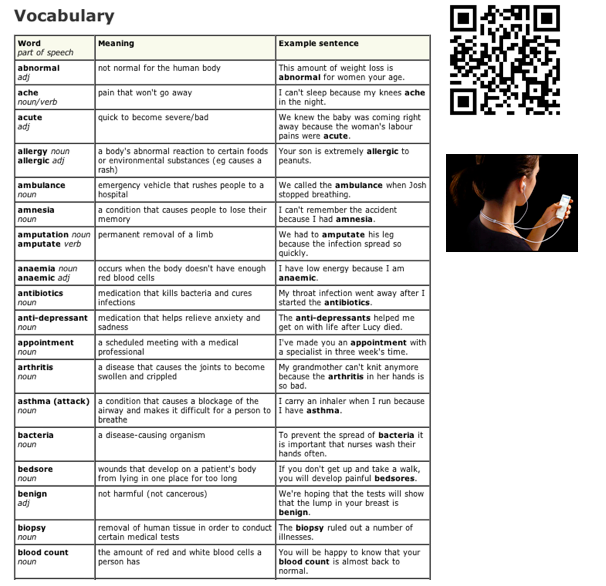
The company Digital Miracles L.L.C. is able to create braille QR codes which can be read by an iPhone Digit-Eye Audio Scanner & Labeler Application called Digit-Eyes and can be purchased for $19.99.  Briefly, the vision impaired person would feel the printed QR code, scan it using the iPhone application and the smartphone tells them in audio format what information is on the QR code.

While the system was developed primarily to offer a solution to the common problem experienced by the visually impaired: labeling and understanding the contents of [such as food labels], Digit-Eyes specializes in offering the ability to record your own labels. Users can make their own QR code labels, print them and the user can then record their own audio content on an iPhone or iPad that is played back whenever the QR code is scanned.

More in-depth research and testing would have to be done to determine the application of these types of QR codes.  However it might be one solution, for the vision impaired student, to using QR Codes.
Filed Under: Apps, QR Codes

QR Codes Used for Verbal Practice

September 23, 2012 by izzy

Imagine a language student being able to listen to pronunciation along with a study guide.  With a QR code embedded on a vocabulary sheet, students can download a mp3 file and listen along as they study.

Audio files can be created for any lecture or instruction where an auditory experience would enhance the learning.

Filed Under: Audio, Design, Higher Education, QR Codes

QR Codes Applied to Further Learning

September 23, 2012 by izzy

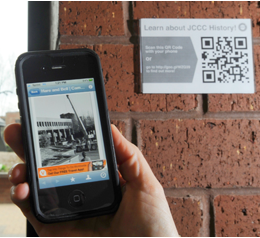
QR [Quick Response] codes can be applied anywhere you desire learning to occur.  Perhaps out on campus where a QR code could be scanned to link to richer content.

Filed Under: Design, Higher Education, QR Codes

QR Codes Used in Lab Settings

September 23, 2012 by izzy

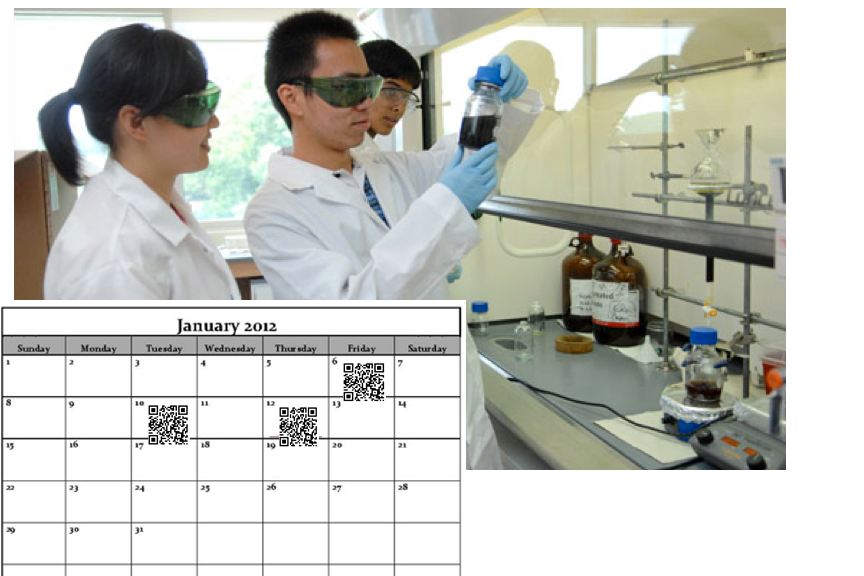
Since labs are often difficult to make-up, labs can be video recorded and QR [Quick Response] codes can be applied to a lab calendar. Students are able to scan the QR code to download the lab.

Additionally, difficult procedures can be recorded by video and/or audio and added to lab handouts for distribution before, during or after class.

Filed Under: Design, Higher Education, QR Codes

3 Easy Ways to Use Mobile Devices for Learning

July 18, 2012 by izzy

The Guardian US recently mentioned “the growth in online learning is likely to push universities towards greater emphasis on one-to-one tuition and other interaction with students.”  In my mind meaning, a personalization of learning and what better way to personalize and connect with your online students than by using mobile devices.

Which really isn’t much different than working one-to-one with students, except now we have great tools to interact with our students and primary amongst them are mobile devices.

So, how are you using mobile technology in your classroom?  Whether you meet online or in person, there are techniques you can implement.

1.  Push Messages:

Use automated text messages [or voice messages] to connect with your students.  Call Loop is a free [or nearly free] service that is easy to use and integrates with services you might already be using.

  • Use it to remind students: of assignments that are due, dates and times of tests or just to check-in.  Personalize the learning experience for your students and you’ll find deeper learning.

2.  QR [Quick Response] Codes:

Think of these as the ‘wild child’ of the Bar Code. QR codes hold so much more information.  Scanning apps can be downloaded to mobile devices and used to scan any QR code you pre-load.

  • Post your homework, outside your classroom and train students to scan the code-everytime they come to class.
  • Use QR Codes to link to more intense reading, video or online experiences.

3.  Cameras & Apps:

Challenge yourself and your students to use the cameras and apps on your mobile device to create:

  • videos
  • podcasts
  • even virtual meetings

The bottom line is to just get started using mobile devices within your online course.  Make a list of 3 more things you could do to integrate mobile devices within your online learning.  Start small and get going.  Let me know if I can assist you in any way. 

Filed Under: Design, Mobile, Mobile Learning Tagged With: Mobile, Mobile Learning

WordCamp Boston 2012

July 14, 2012 by izzy

    Just got back from a really refreshing day in Boston at WordCamp 2012.  It is always nice to meet new friends and hear about new ideas concerning WordPress plugins, templates, development, marketing, SEO, and design. It was less than a month ago that we checked out WordCamp NYC.  Now we have PodCamp Boston to look forward to this fall …which appears to be taking on a new look and feel: PodCamp East….which appears to be in Wilmington, DE.

Filed Under: PodCampBoston, WordCamp Boston, WordCampNYC Tagged With: PodCamp Boston, PodCamp East, WordCamp, WordPress

  • « Go to Previous Page
  • Go to page 1
  • Interim pages omitted …
  • Go to page 6
  • Go to page 7
  • Go to page 8
  • Go to page 9
  • Go to page 10
  • Interim pages omitted …
  • Go to page 42
  • Go to Next Page »

© 2024 Mary Wiseman Designs. All Rights Reserved. Webspinner Msondevshop.graphics